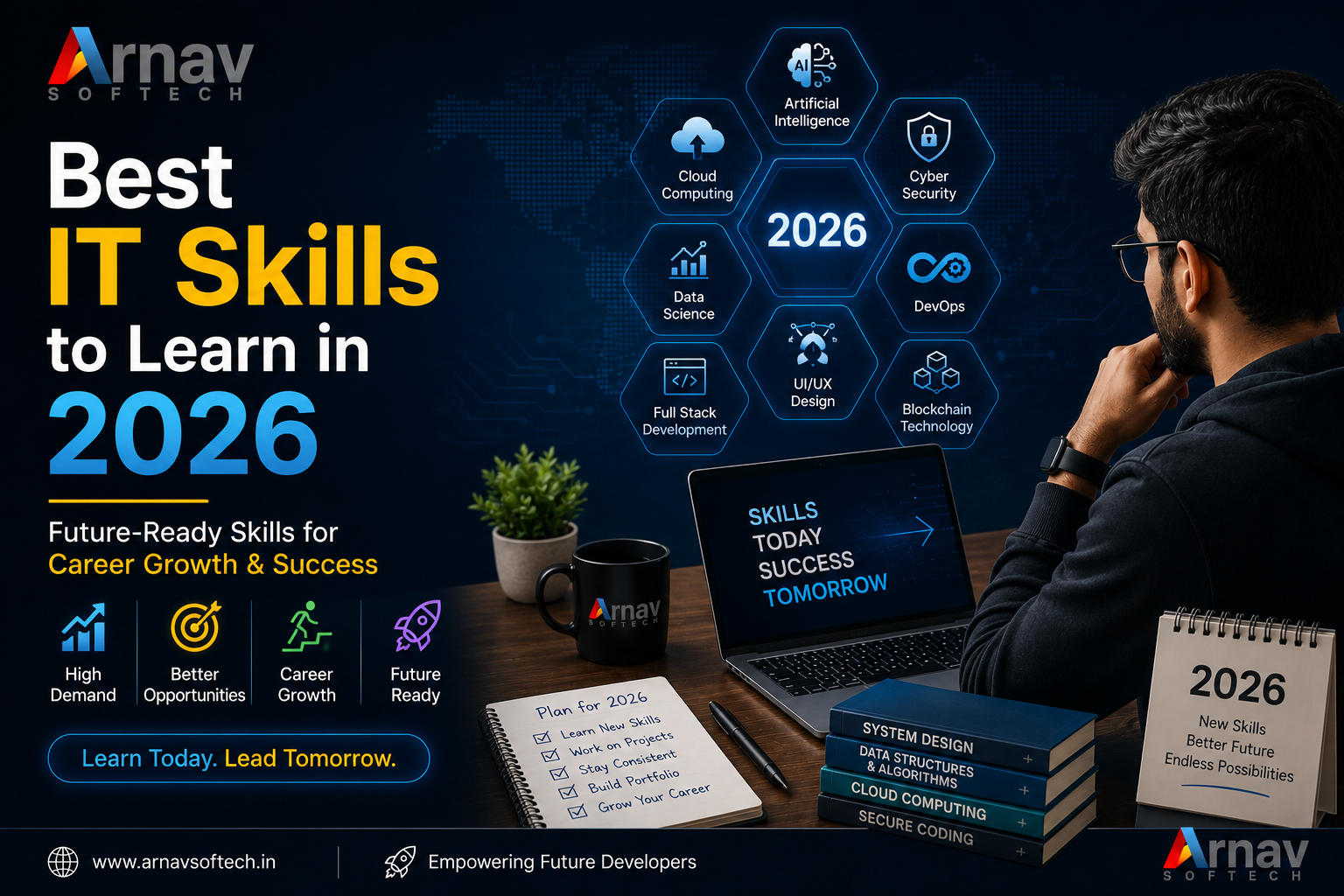
Technology is changing the way businesses work every day. A small shop may use online payments and social media, while a growing company may depend on cloud software, data, and artificial intelligence. Because of this change, many students and working professionals are asking one important question: which IT skills should I learn in 2026?
The business problem: skills are changing fast
Many businesses want to use online platforms, automation, data reports, and AI tools, but they do not have enough people who can build and manage these systems. At the same time, many learners complete courses but struggle to get a job because they have only read theory and have not built anything useful.
Why learning the right IT skill matters
The right skill can help you get a job, move to a better role, or start freelance work. It can also help a business save time and reduce mistakes. For example, a simple software system can replace repeated manual entries, and a good dashboard can help a manager understand sales more clearly.
In 2026, employers will look for more than certificates. They will value problem-solving, communication, clean work, and the ability to use modern tools responsibly. A strong base in one area, along with basic knowledge of related areas, is a better choice than collecting many unrelated certificates.
Best IT skills to learn in 2026
1. Web development
Web development is still one of the most useful IT skills. Every business needs a website, customer portal, online store, or internal web application. Start with HTML, CSS, and JavaScript. Then learn one practical path such as PHP with MySQL, Laravel, React, or Node.js.
Web development is a good option for beginners because you can see your progress quickly. Build a business website, an appointment system, or a small online shop to show your ability.
2. Artificial intelligence and automation
AI is helping businesses answer customer questions, prepare reports, check documents, and automate daily tasks. You do not need to become a research scientist to start. Learn how APIs work, how to write clear instructions for AI tools, how to check results, and how to connect AI with a business process.
3. Data analysis
Businesses collect data from sales, websites, customers, and staff activities. Data analysis turns this information into better decisions. Learn Excel or Google Sheets first, then move to SQL, Power BI, Tableau, or Python for data work.
Data analysis suits people who enjoy finding patterns and explaining numbers. It may not require the same level of coding as software development, but it does require careful thinking and good communication.
4. Cloud computing and cybersecurity
Most modern applications use cloud services for storage, hosting, backups, and user access. Basic knowledge of services from AWS, Microsoft Azure, or Google Cloud can help developers and system administrators work better.
Cybersecurity is equally important because one weak password or unsafe system can create a serious business loss. Learn secure passwords, access control, backups, common attacks, and safe handling of customer data. These skills are useful in every IT role.
5. Mobile app development
Mobile apps remain useful for education, shopping, banking, healthcare, and local services. You can learn Android development with Kotlin or choose a cross-platform option such as Flutter or React Native.
Native development can give deeper control over one platform. Cross-platform development can help you build for Android and iOS with a shared codebase. Choose based on your goal: learn native development for platform-focused roles, or choose cross-platform development for faster product work and smaller teams.
Which skill should you choose?
There is no single best skill for everyone. If you enjoy designing and building visible products, choose web or mobile development. If you like numbers and business questions, choose data analysis. If you enjoy systems and safety, choose cloud computing or cybersecurity. If you want to improve existing work processes, combine automation and AI with one of these areas.
For most beginners, web development is a practical first choice because it teaches programming, databases, user experience, and project delivery. After that, you can add AI, cloud, or data skills. This gives you a strong base without making the learning path too confusing.
Best practices for learning IT skills
- Choose one main path and follow it for at least three to six months.
- Learn the basics before depending on AI-generated code or ready-made tools.
- Build three real projects, such as a billing app, school portal, dashboard, or service booking system.
- Use Git and write a simple README so others can understand your project.
- Practise explaining your decisions in simple language.
- Keep learning through documentation, small experiments, and feedback from other developers.
Real-world example
Consider a coaching centre in Ranchi that manages admissions through notebooks and phone messages. The staff may lose follow-ups, take time to prepare fee reports, and find it hard to know which courses are popular. A learner with web development, database, and basic data skills can build a small admission and fee management system. Adding an automated reminder and a simple dashboard can save staff time and give the owner useful information.
Start your IT learning journey
IT careers in 2026 will reward learners who stay curious, practise regularly, and connect technology with real business needs. Start with one clear skill, complete useful projects, and slowly add related knowledge. Do not wait until you feel perfect before building your first project.
Ready to build job-ready IT skills? Explore our practical IT and software development courses and choose a learning path that matches your career goal.