
Dekho bhai, let’s be very honest. Switching your IDE is like switching your favorite chai spot. You’ve been going there for years, they know your “kam cheeni” (less sugar) preference, and the environment feels like home. For 10 long years, Visual Studio Code was that chai spot for me. From my college days of writing “Hello World” to building enterprise-level SaaS platforms, VS Code was my constant companion. I had every shortcut memorized. My extension list was longer than a ration card. I was a “VS Code Fanboy” and I wore it like a badge of honor.
But then, Antigravity IDE happened. And suddenly, my 10-year relationship felt… well, a bit legacy.
If you are an Indian developer, you know the struggle. We are experts at “Jugaad” (workarounds), but there comes a time when you realize your tools should be working for you, not the other way around. Today, I’m going to tell you why I made the “Big Switch” and why my productivity hasn’t just increased—it has literally gone into orbit.
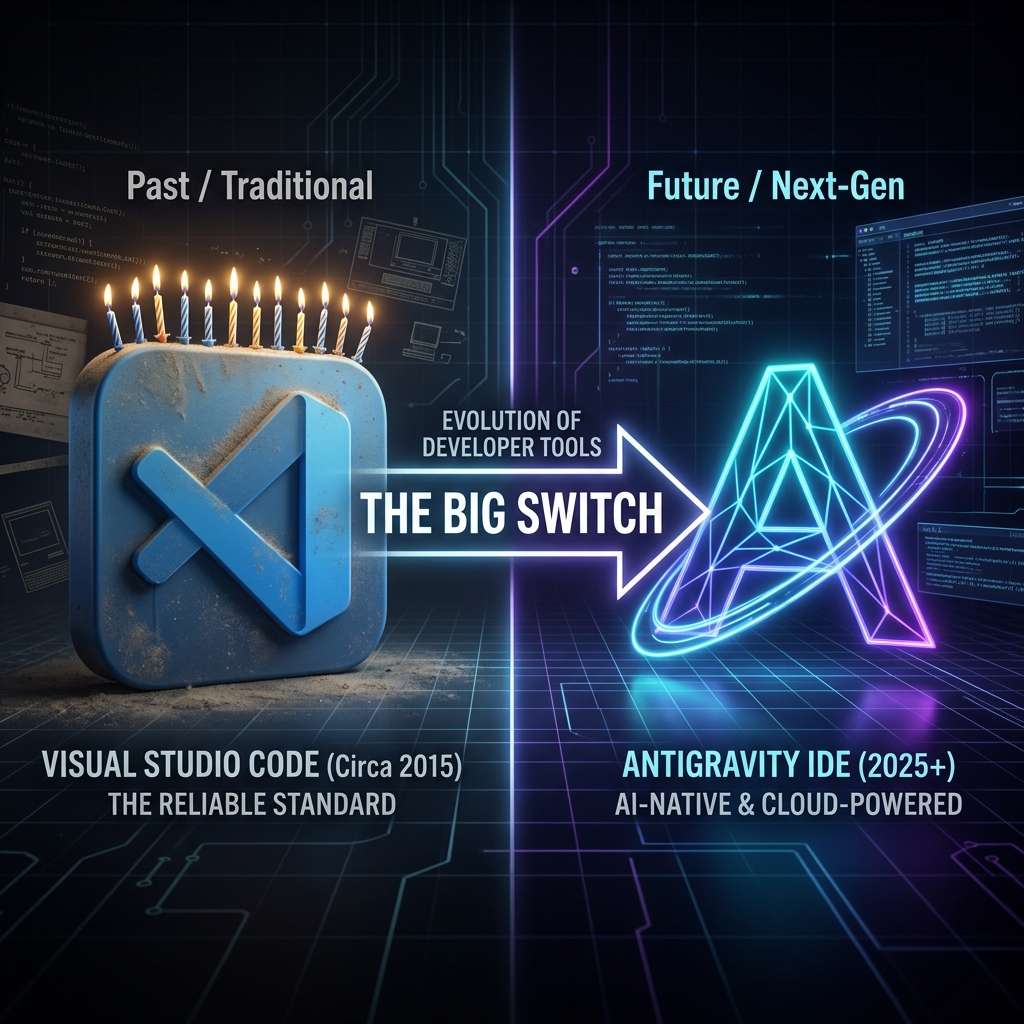
The evolution of my workspace: From legacy to futuristic.
The “Bas Ho Gaya” Moment (Enough is Enough)
VS Code is great, don’t get me wrong. But as my projects grew, the editor started feeling like a crowded Mumbai local train. You want to add one more extension? Boom, memory usage goes through the roof. You want to find where a specific function is used across a massive repo? Sit back and have a samosa, because it’s going to take a minute.
I realized I was spending 40% of my time doing things that had nothing to do with logic. Things like:
- Setting up the environment for every new project.
- Searching for documentation on Google and then trying to “fit” it into my code.
- Alt-Tabbing between the editor, the browser, and the terminal until my fingers hurt.
- Explaining the codebase to new team members (or even to myself after a weekend).
I needed something smarter. Something “Agentic”.
Enter Antigravity: The First “Kya Baat Hai” Impression
When I first opened Antigravity, I thought, “Okay, another sleek UI, big deal.” But the moment I started a task, I realized this wasn’t just a prettier editor. It was alive.
In Antigravity, you don’t just “write code.” You “collaborate with an agent.” Imagine having a senior developer who never sleeps, never gets annoyed when you ask “Ye logic kaise chal raha hai?” (How does this logic work?), and actually does the heavy lifting for you.
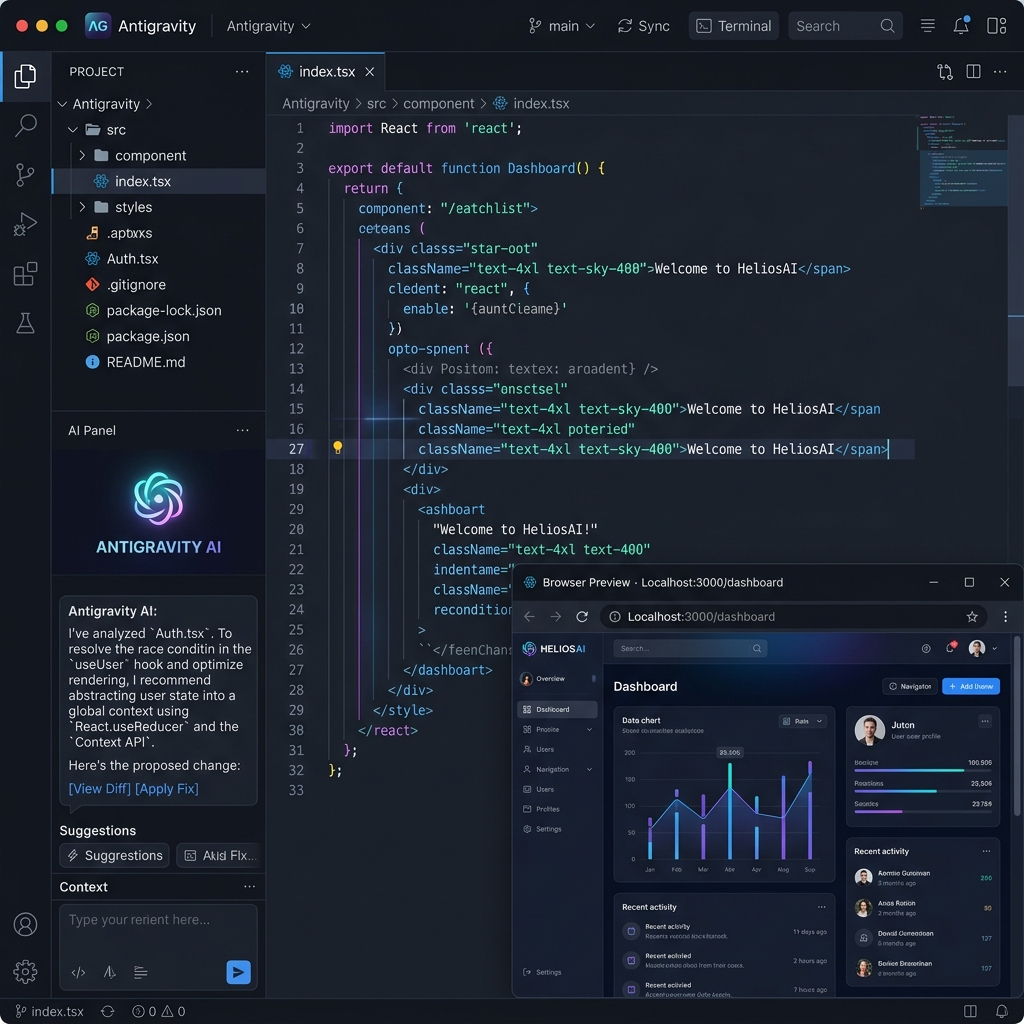
Feature 1: The Autonomous Agent (Not a Copilot, but a Captain)
In VS Code, we have Copilots. They are great at suggesting the next line of code. But Antigravity has a “Captain.”
If I tell Antigravity, “Bhai, build me a login page with full validation and connect it to my existing database,” it doesn’t just give me a snippet. It actually:
- Scans my current project files to understand the DB schema.
- Creates the necessary components.
- Updates the routing.
- Adds the styling.
- Tests it in the background.
It’s like having a dedicated “Chhota Bheem” (little hero) inside your IDE who just gets stuff done.
Feature 2: Knowledge Items (The Repo Brain)
One of the biggest headaches in a 10-year-old codebase is that nobody remembers why certain things were done “that way.” In VS Code, you’re stuck reading old Git commits or searching through Slack messages.
Antigravity uses “Knowledge Items” (KIs). It essentially “learns” your repository. It remembers the architectural decisions, the weird bugs we fixed last year, and the specific patterns we use. When I start a new feature, Antigravity says, “Abey, remember we used this pattern in the Billing module? Should I use the same here?”
That is not just AI; that is professional-level context. Pakka promise, it saves hours of mental gymnastics.
Feature 3: Browser & Terminal Mastery
In my VS Code days, my Chrome had 50 tabs open just for documentation and testing. In Antigravity, the browser is inside the IDE. And I don’t mean a simple iframe. It has a browser sub-agent.
I can tell the IDE, “Check if the responsive design works on mobile view,” and the agent opens the browser, navigates to the page, checks the elements, and reports back. If there’s a bug, it fixes it right then and there. No more switching. No more “Wait, which tab was I on?” Total peace of mind.
Feature 4: Visual Creativity on Demand
As a full-stack dev, I often struggle with design. I can write the logic, but making it look “chaka-chak” (shiny/perfect) is hard. Antigravity has a generate_image tool built-in.
Need a hero image for a blog? Or a mockup for a new UI component? You just ask. It generates the asset, saves it to your project, and even helps you write the CSS to integrate it. It’s a total game-changer for solo developers who need to be “All-in-One.”

The “Paisa Vasool” Productivity
Look, time is money. In the Indian tech scene, we are always racing against deadlines. Since switching to Antigravity, my “Time-to-Feature” has dropped significantly. What used to take a full day of coding and debugging now takes a few hours of “Prompting and Reviewing.”
I’m no longer a “Code Monkey.” I’m an “Architect.” I focus on the high-level logic, the business value, and the user experience, while Antigravity handles the “boring” stuff like boilerplate, unit tests, and documentation.
Final Verdict: Should You Switch?
I know what you’re thinking. “Bhai, 10 years of muscle memory is hard to break.” And you’re right. But think about it—did we stick to Nokia when the iPhone came? Did we stick to rickshaws when Uber arrived?
Antigravity isn’t just an evolution of the IDE; it’s a paradigm shift. It’s the first IDE that truly understands that developers aren’t just typing machines—we are problem solvers.
If you are tired of the extension hell, the constant Alt-Tabbing, and the feeling that you’re working harder than your tools, then it’s time. Give Antigravity a shot. Your future self will thank you with a big cup of ginger chai.
Chalo, coding shuru karte hain! (Let’s start coding!)